Reviewed by Rick Campbell
On Site With a Dead Integration? Buy the Bridge. Bill the Client.
Sentinel Bridge is system integration software that runs as a Windows service on the client's machine. The client is paying — downtime costs more than this licence. Install, connect the panel, route to annunciators, pagers or Teams, and invoice the

The handover problem
Custom Scripts Don't Leave Running.
Four commissioning steps
System Integration Software That Runs on the Client's Machine
Each step is what you do on site. The result is a Windows service left running on the client's machine — not a script, not a return visit.
1. Install the Windows service
.NET 8 self-contained service — copy it to the client machine and register it. No framework installer. No cloud account. No internet required. Starts with the machine, restarts on failure, and runs offline from the first minute.

2. Connect the panel or feed
Serial, TCP/UDP, Sedco and ASM nurse call, fire panel serial, Tecom C4 and Gallagher access control, TAP paging, HL7, Modbus — point the source adapter at the panel and events start flowing. Everyday connectors are included. Premium protocols are add-ons. Full list on the Integrations page.
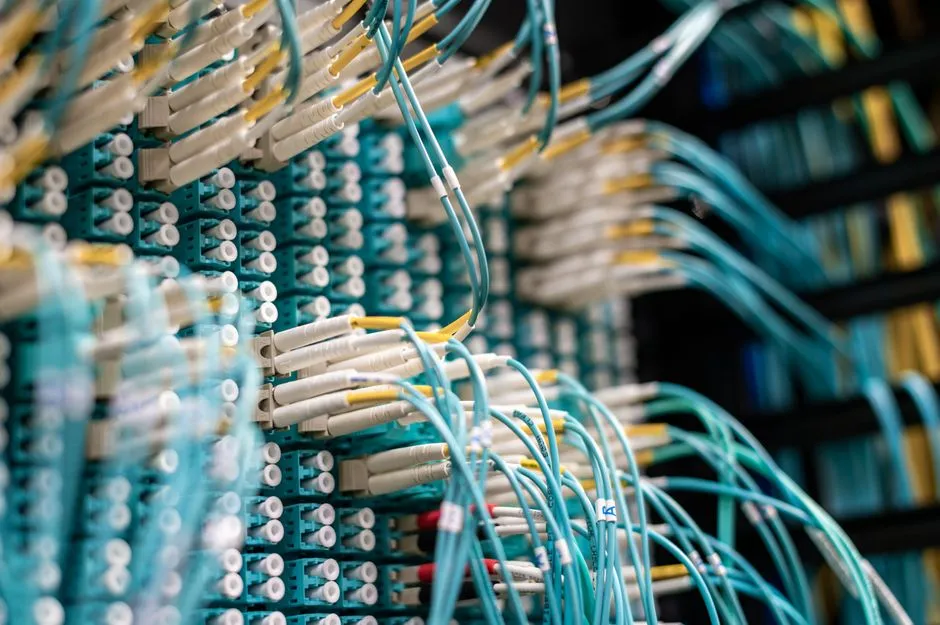
3. Route events to the destination
Annunciator, pager, phone TTS, Teams channel, SMTP email, Power BI stream, Modbus relay, or Contacts address book. Apply AND/OR filter rules first so only the events that matter move. Fan out to multiple destinations in one pipeline.
4. Add reporting and hand over
The Reporting module captures every event, schedules PDF or CSV exports, and fires an alert if a feed goes silent. Add it and the client has a supported, audited site. Leave the service running and invoice the licence.
What you are quoting
Outcomes
- Perpetual at $1,800. Monthly at $60
- From $600/yr
- Standard tier and above. Not an
- <2 sec
- Serial, TCP, nurse call, fire serial
- 14+
- One premium protocol — Sedco, ASM
- $300/yr
Pick your role
How Each Team Commissions a Site
The service is the same. What you are connecting and what you are routing to is different. Pick the tab that matches your work.
Builders & Electricians
You are finishing a fit-out. The nurse call panel or fire feed needs to reach the annunciator and nobody has written the bridge yet. Install the Sentinel Bridge Windows service on the client's site PC — the installer is self-contained and takes under ten minutes. Point it at the serial or TCP source. Configure the destination route to the annunciator, pager, or screen in the HTTPS dashboard. Test it, confirm events are flowing, and hand the site over. The service starts with the machine, retries dropped connections, and runs without you on site again. Add the Reporting module if the client needs proof of response times or a scheduled export. Connect starts at $600/yr or $1,800 perpetual — bill it to the job.
System & Security Integrators
Connecting Tecom C4 or Gallagher access control, a TAP paging system, or a legacy fire panel serial feed to a modern alerting platform? Add the source connector for the protocol — Tecom C4, Gallagher, and TAP are premium add-ons at $300/yr or $900 perpetual each. Apply filter rules so only the event types that matter move downstream. Route to Teams, SMTP email, a Modbus relay, or an on-site annunciator. Standard tier and above records every event and its delivery path — practical for compliance handovers and audit requests. Pipeline configuration lives in YAML on the client machine and is readable by the site's IT team without calling us.
Nurse-Call & Fire Integrators
Sedco and ASM nurse call are premium source connectors at $300/yr or $900 perpetual per protocol. HL7 is available separately for sites that need clinical event context alongside call data. Fire panel serial feeds — raw RS-232 event strings — are decoded in the Transform step using protocol decoders and regex IO modifiers, which reshape the proprietary string into whatever the next system expects. Route alarms to phone TTS, a duty pager, a Teams channel, or all three simultaneously on a single pipeline. Add the Reporting module for scheduled response-time reports and live alerts when a feed stops delivering — useful for aged-care accreditation and after-hours handover.
Site IT & BMS/Controls
Sentinel Bridge installs on any Windows machine — an existing server, a dedicated box, or a small site PC. The HTTPS dashboard runs entirely locally. No cloud dependency, no VPN needed for day-to-day operation. SQLite is the default event store. If the site needs SQL Server for scale or existing BI tooling, the connection string is in the config. YAML pipeline definitions are human-readable and version-controllable. Hot reload applies configuration changes without restarting the service. Multiple pipelines run concurrently — a failed source does not affect others. Circuit breakers and dead-letter queues handle flapping devices automatically. Power BI streaming and scheduled CSV or XLSX exports run directly from the captured event store.
Before you buy
Can We Buy and Commission Today?
Frequently Asked Questions
- Can we buy and commission today?
- Yes. Prices are on the pricing page — Connect from $600/yr or $1,800 perpetual, Standard from $1,500/yr or $4,500 perpetual. Monthly billing is available for project work where the client may not keep the machine long-term. Buy the licence, download, install, commission. If you need a key quickly, use the contact form and mark it urgent.
- What if the panel protocol is proprietary?
- Sentinel Bridge handles 14 or more source types including raw serial and TCP with no protocol assumption. The Transform step uses protocol decoders and regex IO modifiers to reshape proprietary event strings into what the next system expects. If you have a packet capture or a sample feed from site, send it through the contact form and we will tell you whether it works before you buy.
- Will it keep running after we leave?
- That is the point. It is a Windows service — starts with the machine, restarts on failure, retries dropped connections automatically. Circuit breakers and dead-letter queues handle flapping devices without intervention. One failed source does not kill other pipelines. You leave a supported, running service, not a script under someone's desk that stops at 3 am.
- Is data kept on site?
- By default, yes. The Windows service and its event store sit entirely on the client's machine. The HTTPS dashboard runs locally. Nothing leaves the site unless you configure a destination that routes data outside — Power BI streaming, Azure, email, or an external API. The client owns the data and it stays where they put it.
Quote the Licence. Commission the Site. Invoice the Client.
Connect starts at $600/yr or $1,800 perpetual. Add only the premium protocol you need at $300/yr or $900 perpetual. Everything you need to quote the job is on the pricing page — no sales cycle, no waiting on us.